
 01
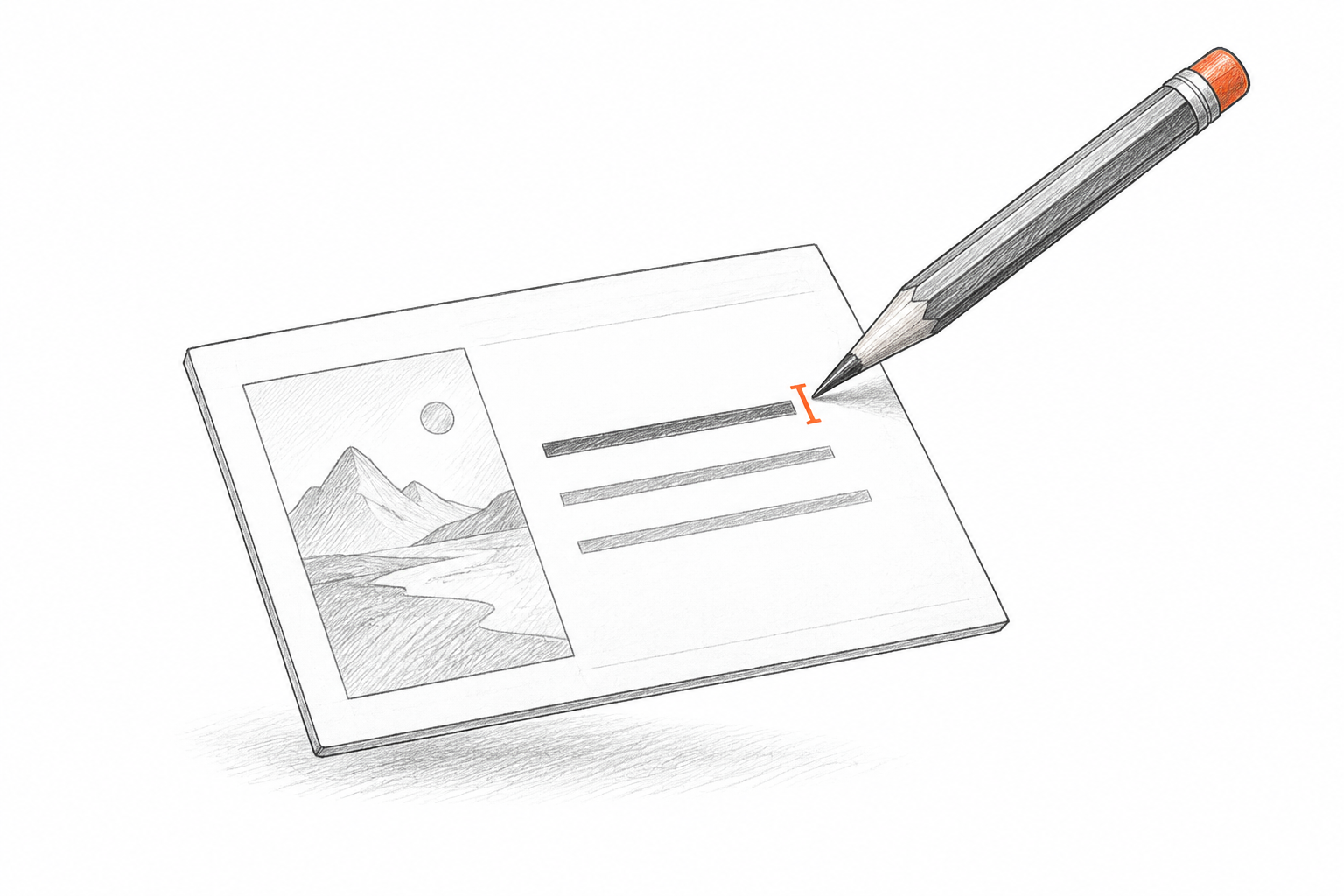
01Editable text
Detected headlines and labels become text boxes. Rewrite a sentence, update a figure, or change the font in your presentation.
PDF TO EDITABLE PPT
Bring a slide PDF back into a presentation you can update. Each page becomes a PPT slide with editable text and separate visual regions, giving you a practical draft to finish.
Drop a PDF file here
RECONSTRUCT YOUR SLIDE
Your PDF provides the visual starting point. The PPT separates detected text and useful visual regions so you can work on the content after download.
Editable text
Separate visual elements
Reconstructed layout
INSIDE YOUR EDITABLE PRESENTATION
Reconstruct the parts of your source that matter for the next edit. Use the PPT as a starting point and finish the details in PowerPoint.
01Detected headlines and labels become text boxes. Rewrite a sentence, update a figure, or change the font in your presentation.
 02
02Useful visual regions stay separate where possible. Resize or replace them; complex artwork can remain an image to preserve its appearance.
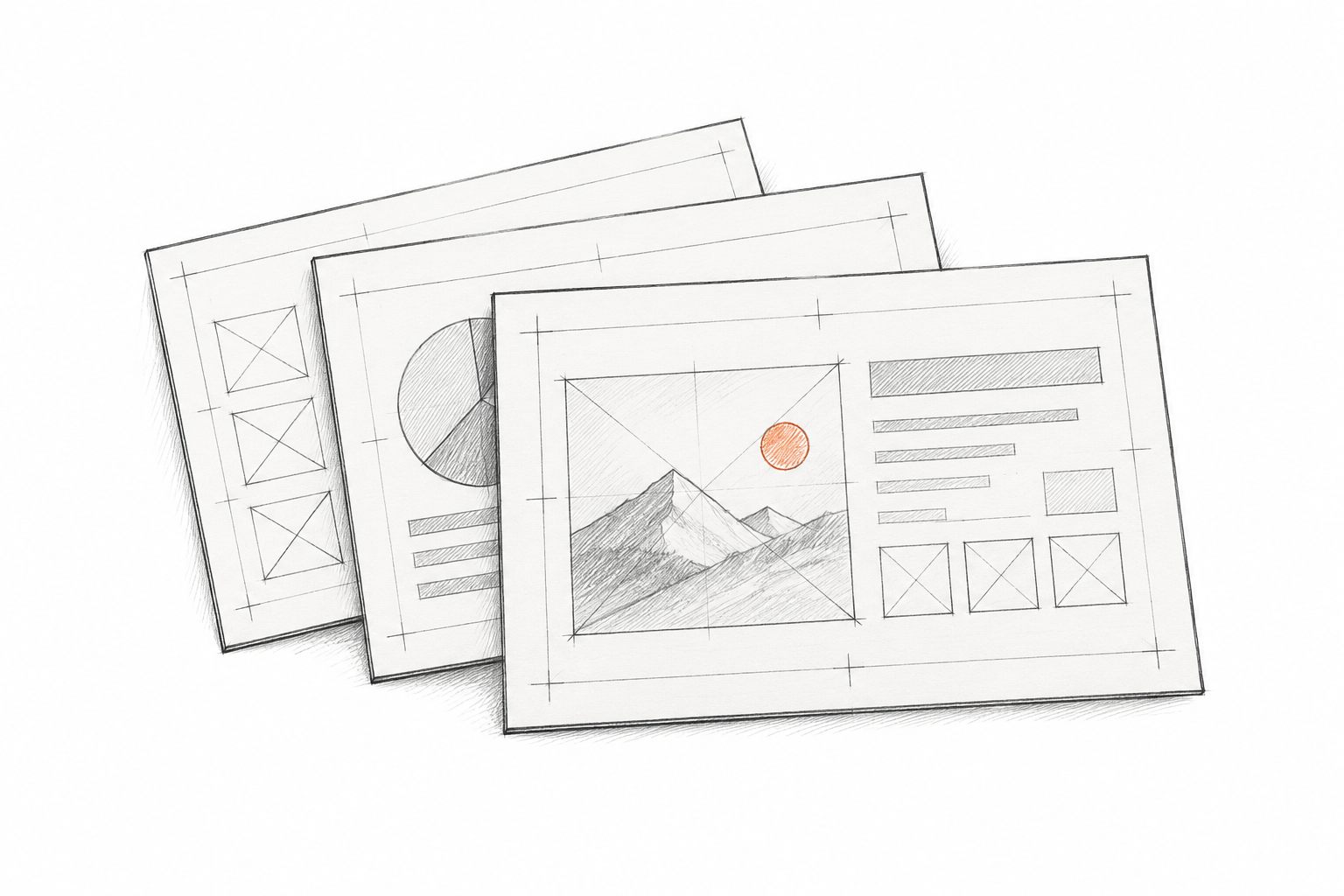 03
03The PPT follows the visible hierarchy and composition of the source. Review spacing and alignment before adding the editable slide to your deck.
A short path from a saved file to a working presentation.
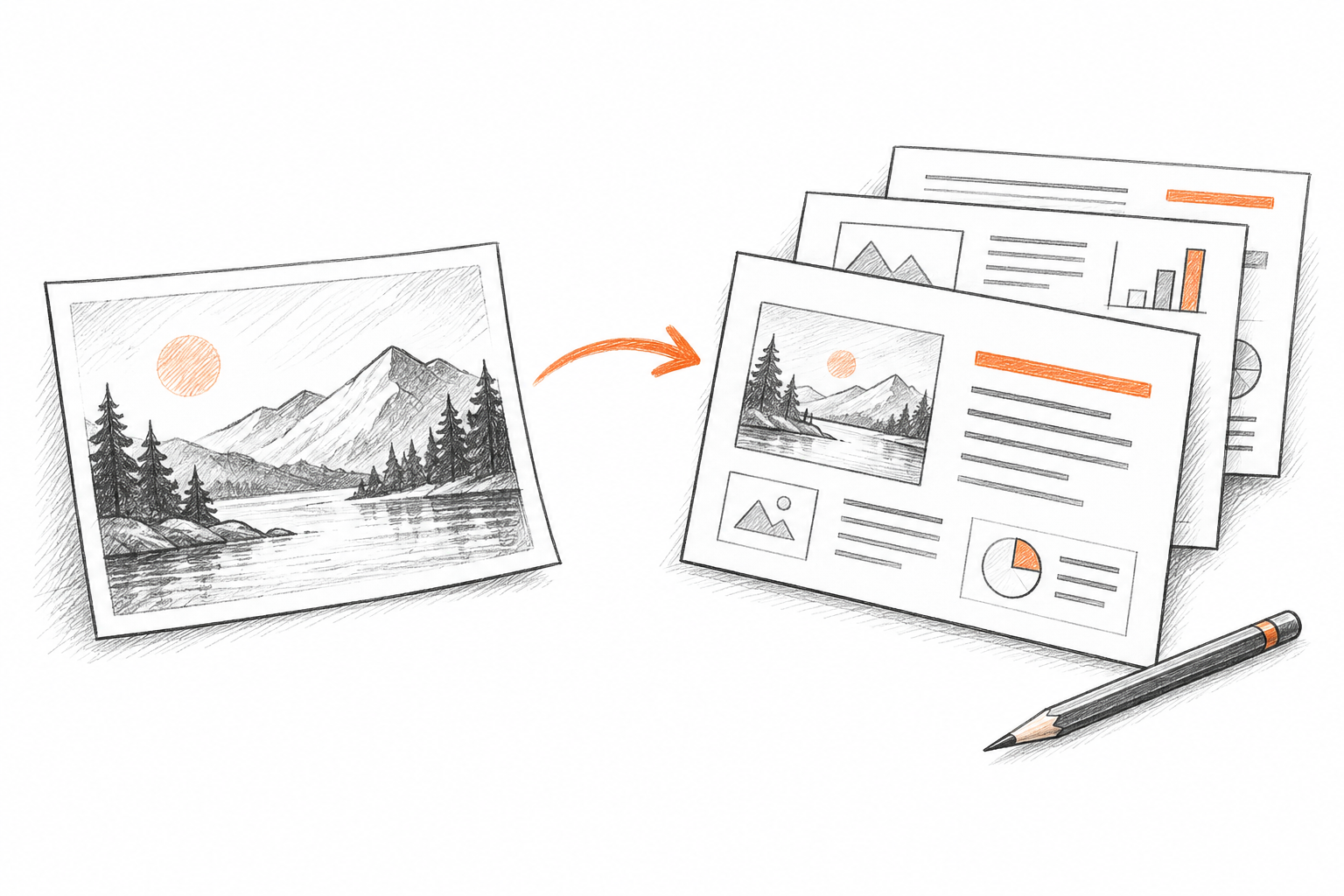
Choose one document. Each page becomes a slide, within your plan limits.
We analyze the visible text, colors, and visual regions, then reconstruct the slide content.
Open the standard PPTX in PowerPoint, check the result, and make your final changes.
A BETTER STARTING POINT
Slide decks exported as PDF, shared presentations, and page-based reports.
Choose a PDF that contains one complete slide on each page.
Check the page count against your plan before uploading.
Use a readable PDF export; scanned pages need clear text.
Review portrait pages in the PPT before mixing them with landscape slides.
What to expect when your upload becomes an editable presentation.
MAKE YOUR PDF EDITABLE
Upload your PDF, create an editable PPT, and finish the presentation in PowerPoint.
Free to try · no card required