
 01
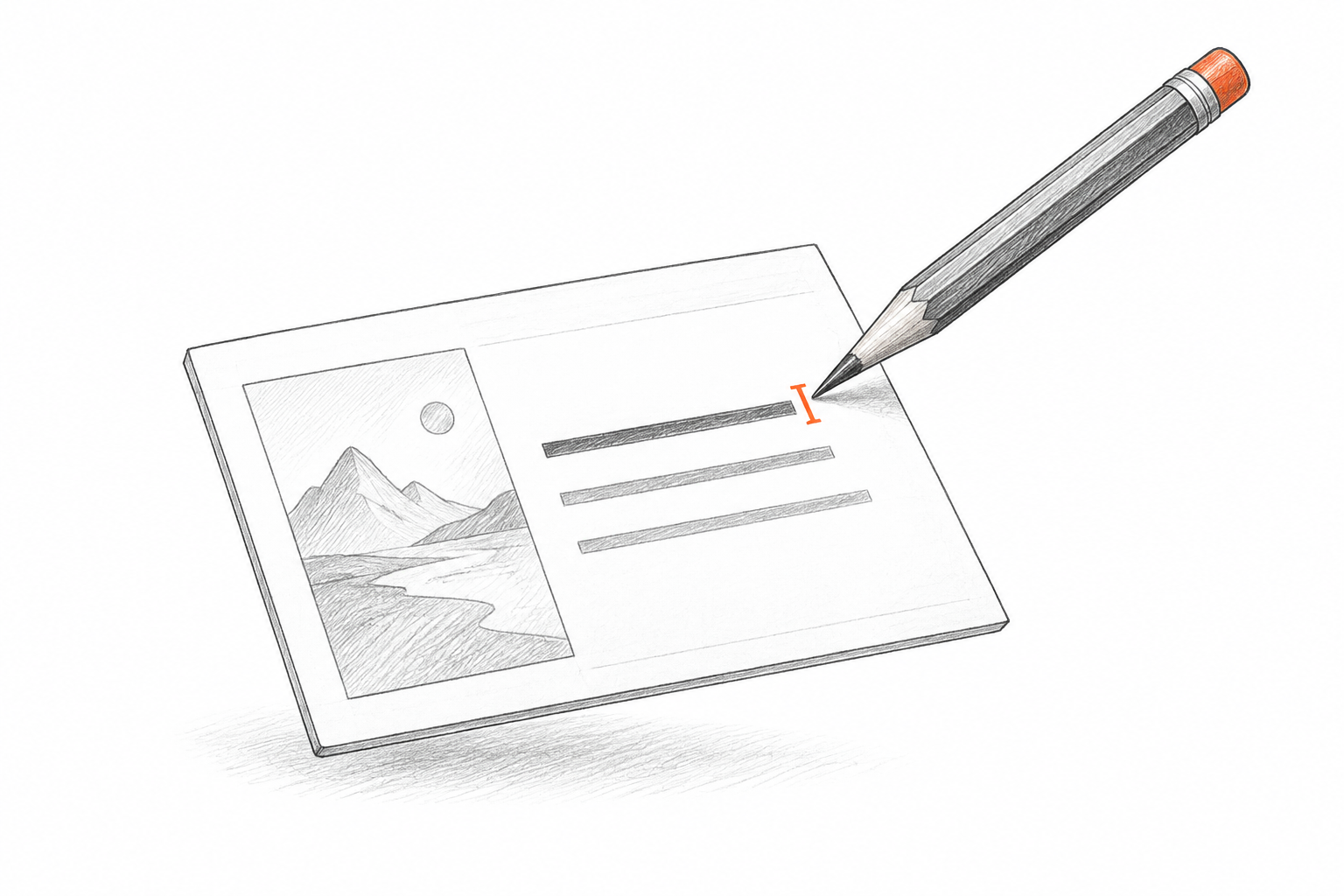
Edit the PPT text
Headlines, labels, and body copy are rebuilt as text boxes. Correct a typo, replace a number, or translate the message without covering the old words.
IMAGE TO EDITABLE PPT
Convert a screenshot, exported slide, or PDF page into an editable PPT with text you can rewrite and visual elements you can move—not a flat image stretched across a slide.
Drop an image or PDF here
NOT JUST AN IMAGE-BASED PPT
Most image to PPT tools place the original picture on a blank slide. ImageToPPT reconstructs the visible content so the result stays useful after download.
Editable PPT text
Editable image elements
Editable PPT layout
EDITABLE CONTENT, NOT A FLAT IMAGE
Each image becomes a working slide draft built around the parts people actually update: words, visuals, and layout.
01Headlines, labels, and body copy are rebuilt as text boxes. Correct a typo, replace a number, or translate the message without covering the old words.
 02
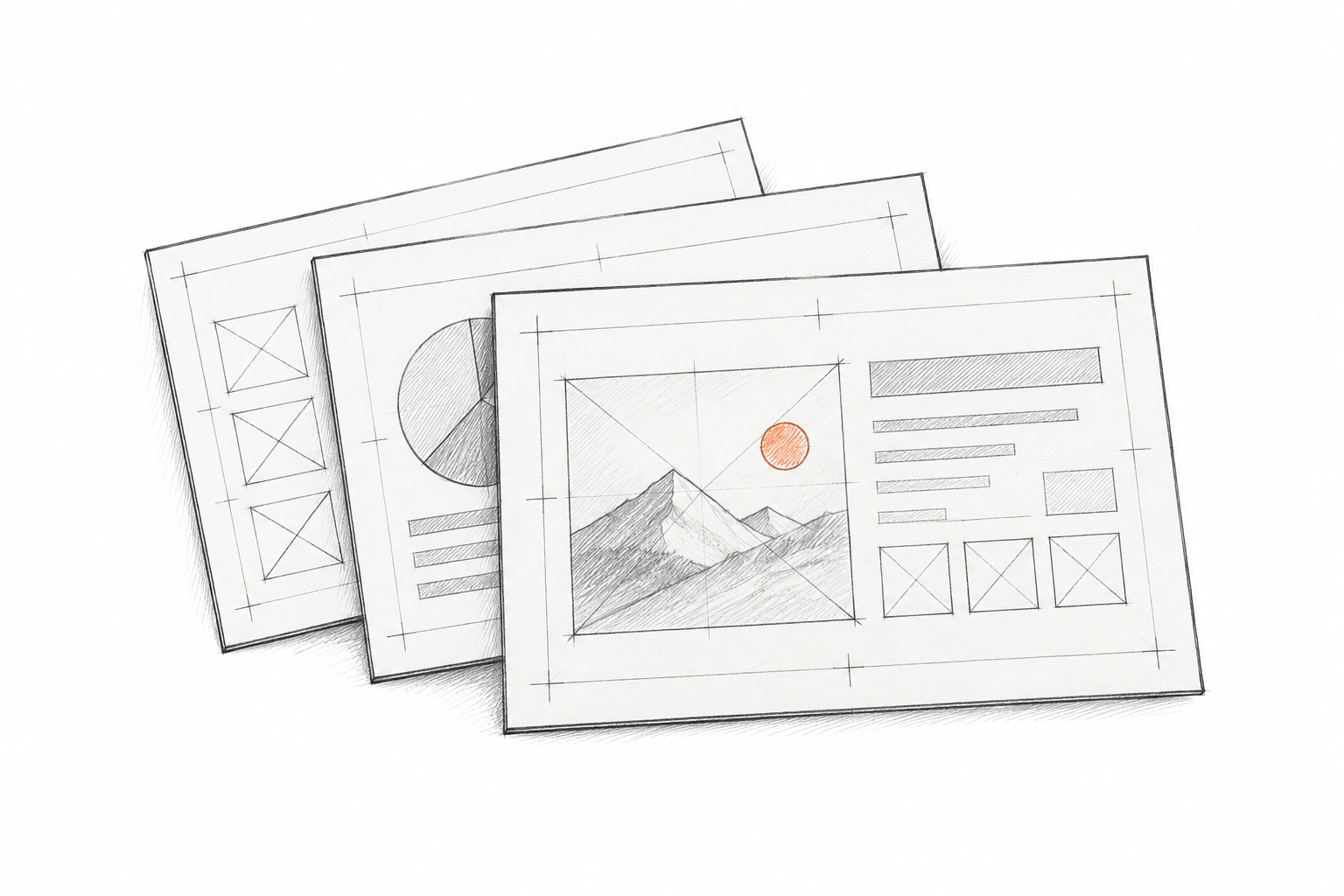
Photos, icons, logos, and complex artwork are kept separate where possible, ready to reposition, resize, or replace in your deck.
 03
The rebuilt slide follows the source hierarchy, spacing, and placement, giving you a familiar starting point instead of an empty canvas.
No tracing, rebuilding, or starting over by hand.
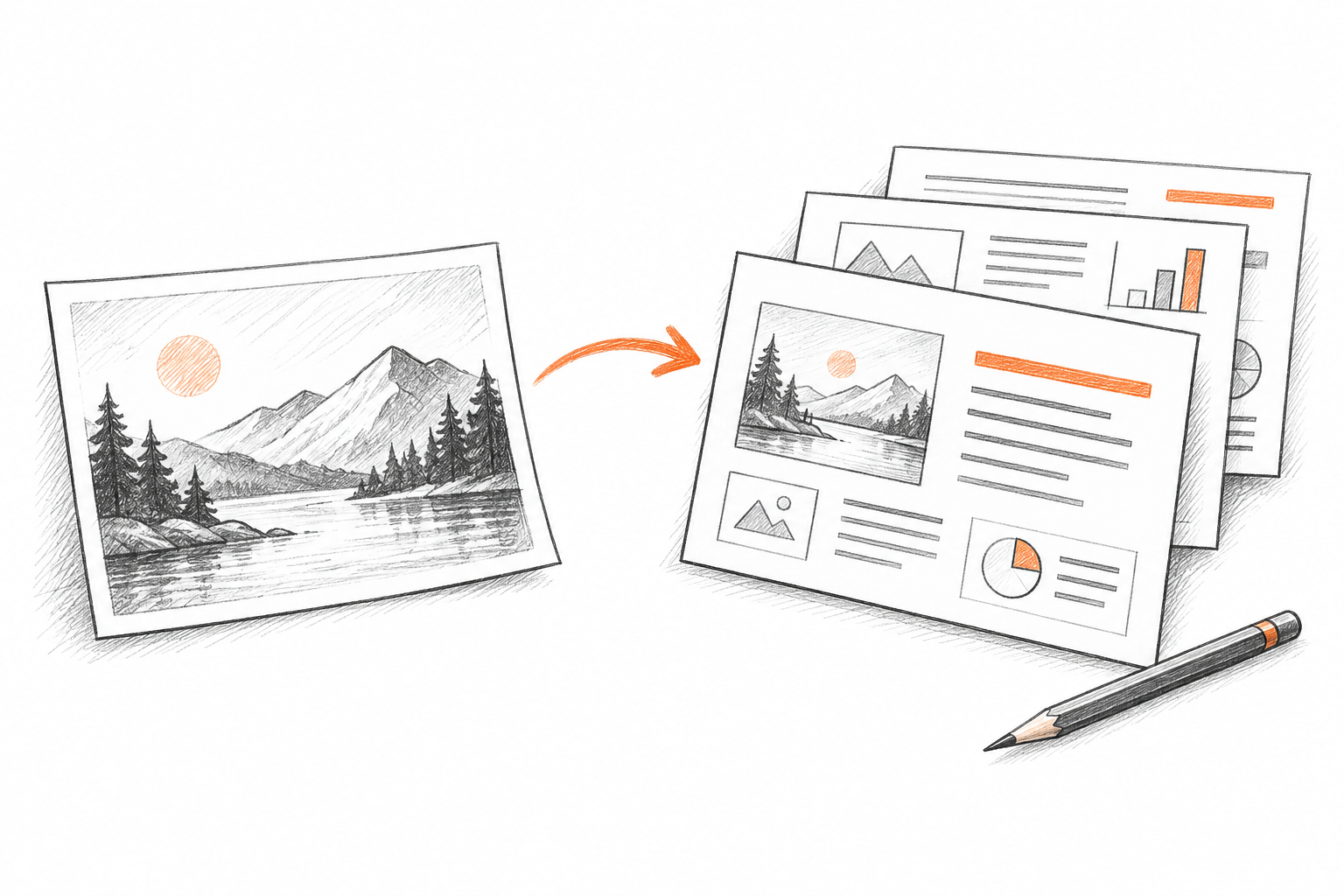
Choose one slide image, a set of files, or a PDF. Each page becomes one slide in the finished deck.
ImageToPPT identifies the text, visual regions, colors, and composition, then rebuilds them as slide elements.
Open the editable PPT in PowerPoint to change the wording, styling, position, or arrangement.
WHEN EDITABLE PPT BEATS A FLAT IMAGE
A slide image can become an editable PPT when the source file is missing but the work still needs to continue.
Bring an exported or archived slide back into a deck you can revise.
Turn a visual reference into a presentation your team can adapt instead of merely viewing.
Replace the wording while keeping the original hierarchy and composition as a guide.
Take an AI-generated slide image into PowerPoint for the final edits only you can make.
CLEAR INPUT, STRONGER OUTPUT
Use the highest-resolution image available
Keep the complete slide inside the frame
Avoid heavy blur or compression artifacts
Keep one complete slide on each page
KEEP EDITING
Use the reconstructed deck as a practical starting point, then finish the details in PowerPoint.
Change a headline, translate the copy, or replace an outdated number.
Adjust fonts, colors, spacing, and imagery to fit the rest of your presentation.
Move the finished slide into an existing presentation and keep building.
CHOOSE YOUR INPUT
Find an image conversion workflow for your file. Each creates an editable PPT with content you can revise after download.
Straight answers about turning a flat source into a working presentation.
IMAGE TO EDITABLE PPT
Create an editable PPT draft from your image, download it, and keep working in the presentation tool you already know.
Free to try · no card required