
 01
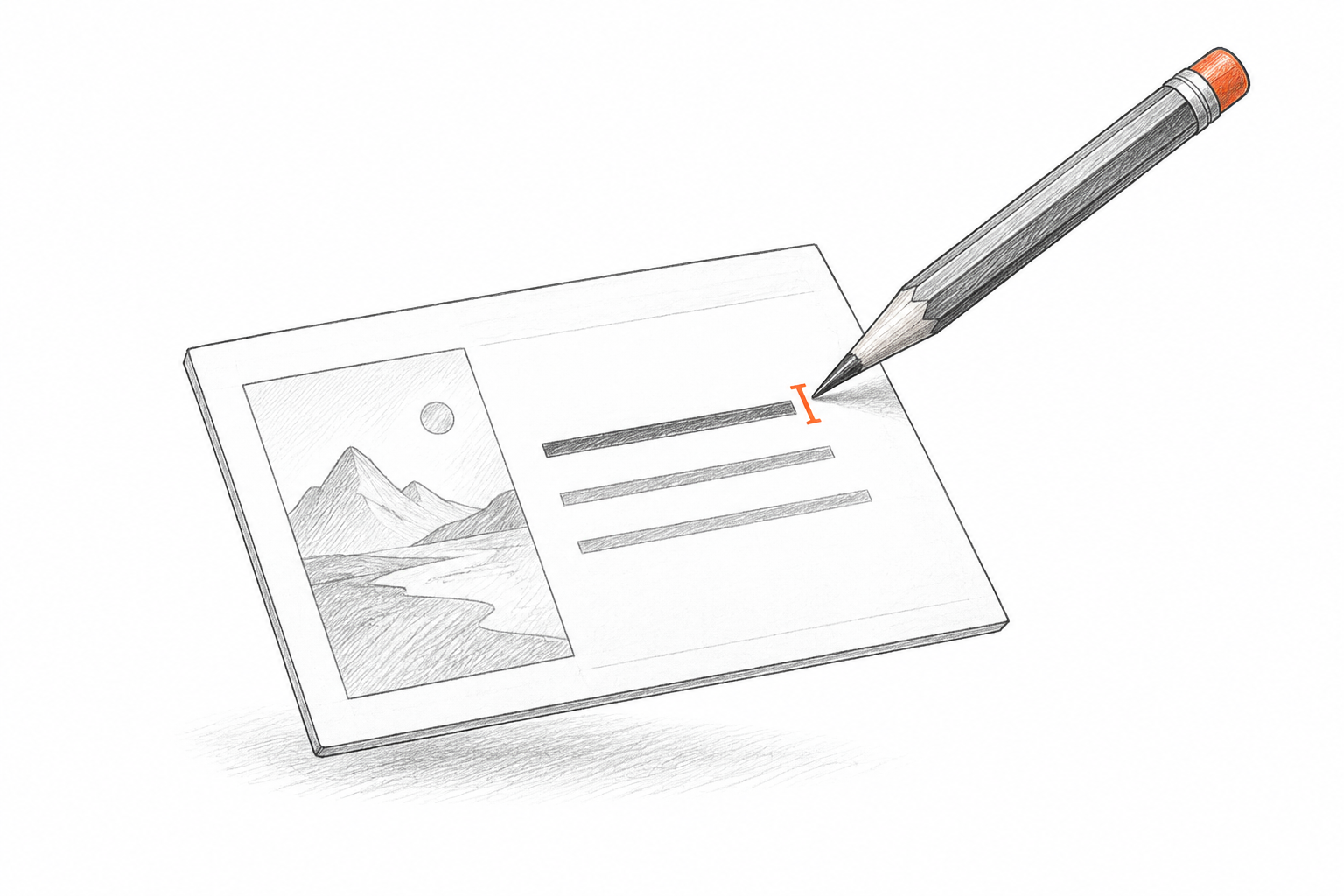
01Edit the explanation
Detected text from the NotebookLM becomes editable text boxes where possible. Update wording, replace a number, or adjust the font in your PPT.
NOTEBOOKLM TO EDITABLE PPT
Bring your NotebookLM slide export into a presentation you can revise. Reconstruct visible text and visual regions as an editable PPT, then check the wording and finish the design in PowerPoint.
Drop your slide export here
FROM SAVED FILE TO WORKING SLIDE
A NotebookLM export gives you a visual starting point. Turn its pages into PPT slides with editable text and separate visuals for the changes your audience needs.
Editable text
Separate visual regions
Reconstructed composition
INSIDE YOUR EDITABLE PRESENTATION
Use the reconstructed PPT as a working draft. Check the visible content, refine the details, and keep the editable elements you need for your presentation.
01Detected text from the NotebookLM becomes editable text boxes where possible. Update wording, replace a number, or adjust the font in your PPT.
 02
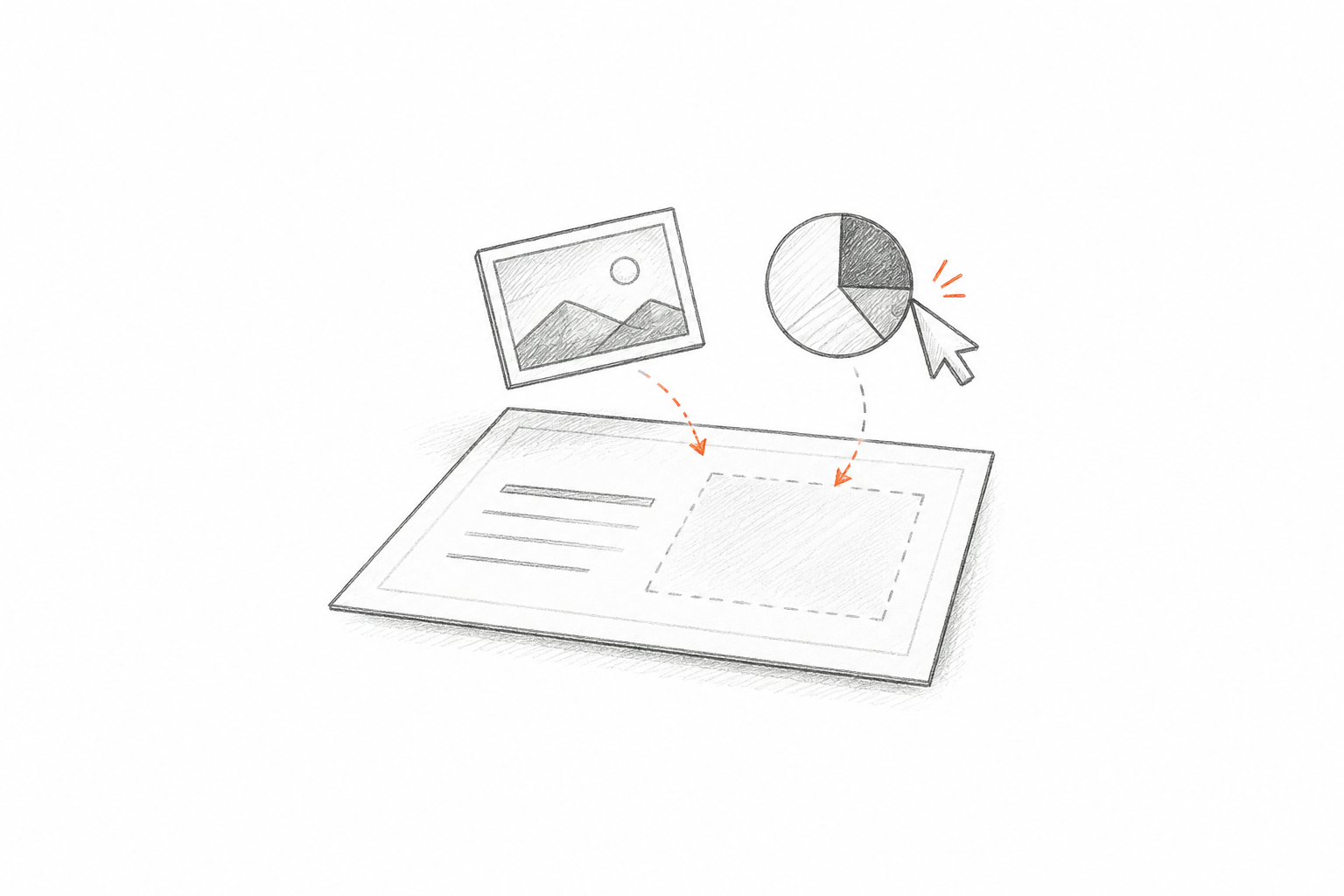
02Separate visual regions can be moved, resized, or replaced. Detailed illustrations may remain as images to preserve their appearance.
 03
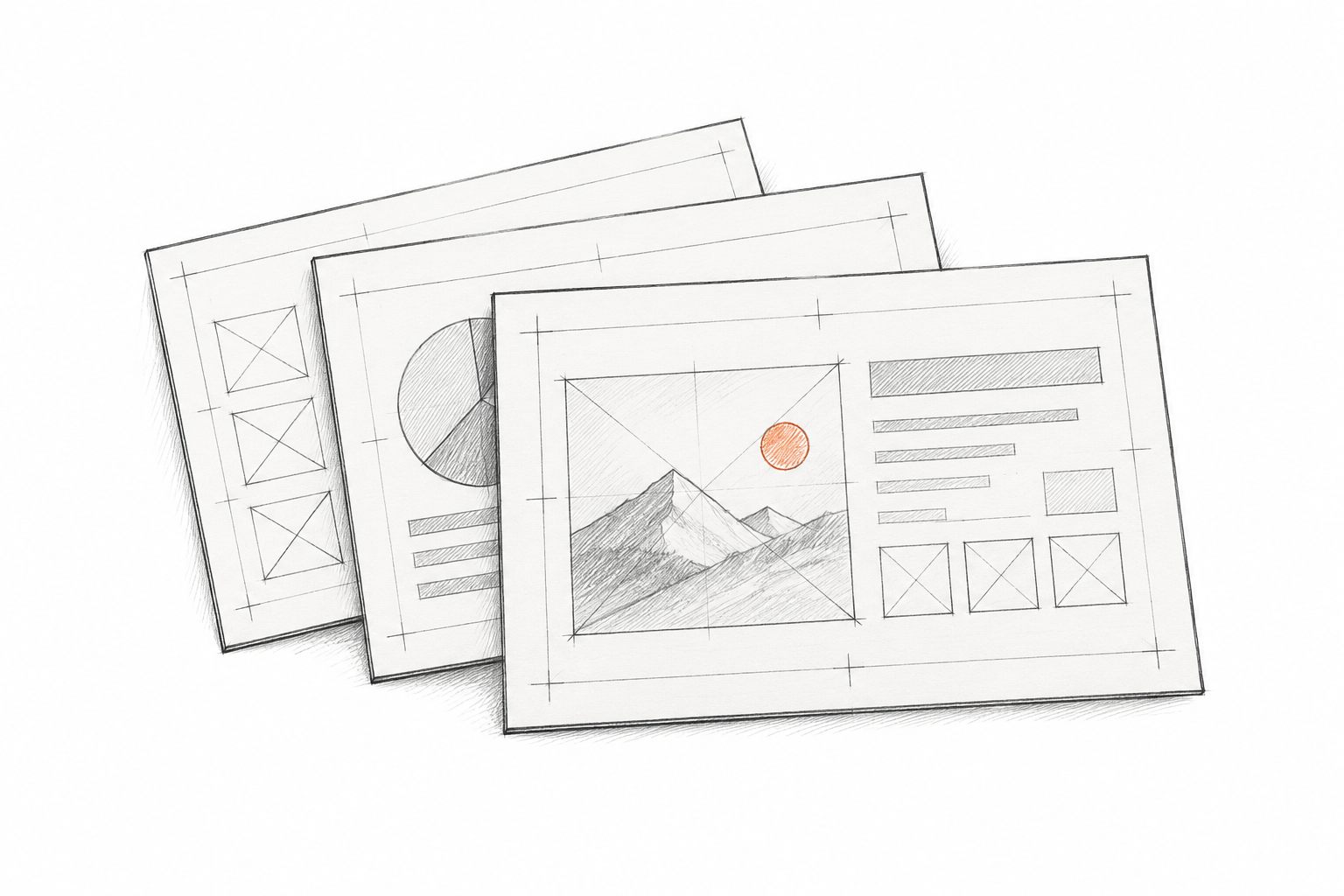
03The PPT follows the NotebookLM as a visual guide. Review spacing and alignment before adding the editable slides to your presentation.
Upload the file, review the reconstruction, and finish in PowerPoint.
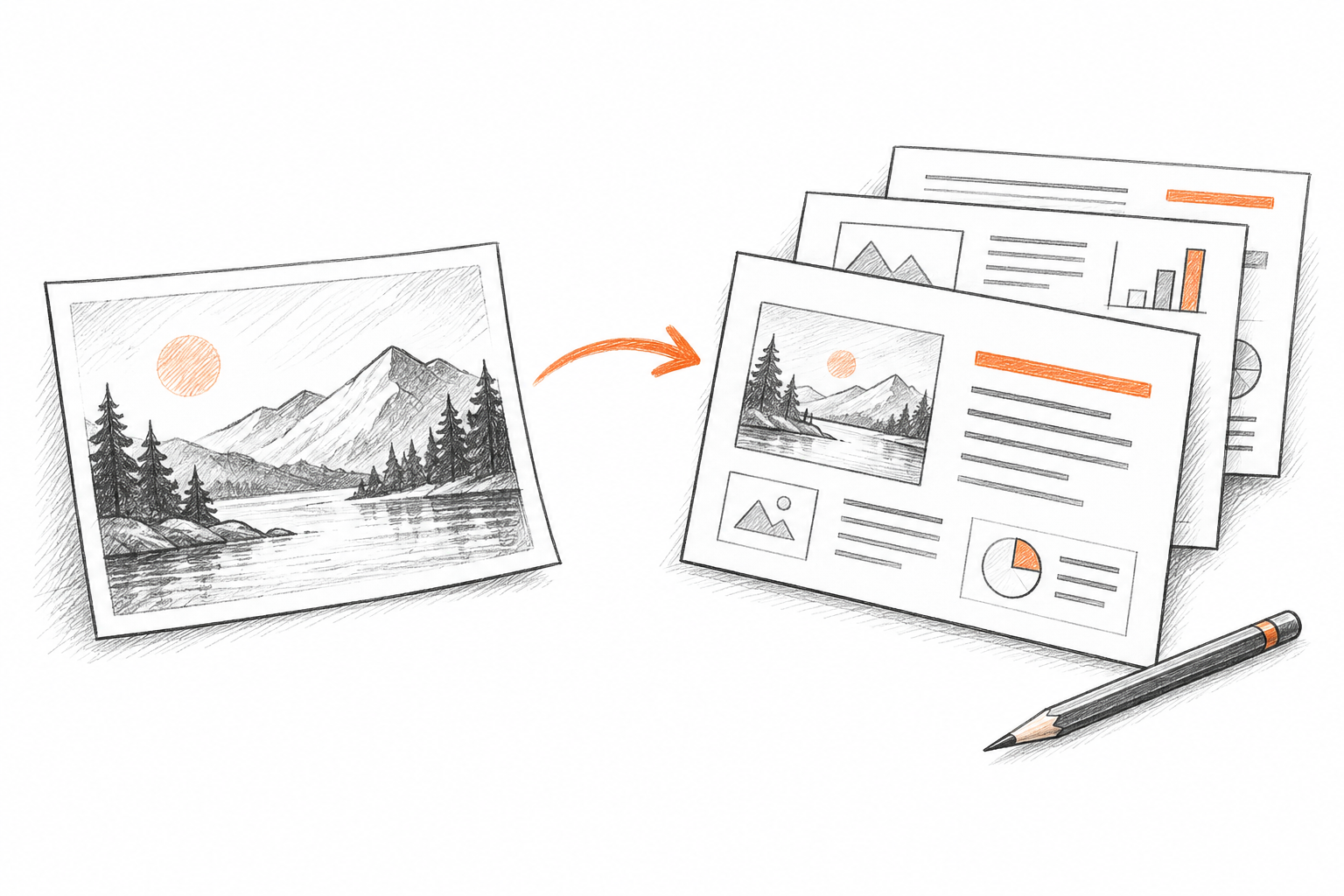
Choose your NotebookLM slide PDF or saved images. Each page becomes a slide in the finished deck.
Visible text and useful visual regions become separate elements in the PPT. Complex artwork may remain as images.
Open the PPTX, review the slide sequence and styling, and make your final changes.
PREPARE YOUR NOTEBOOKLM
Use a saved NotebookLM slide PDF or a set of exported slide images.
Upload the complete NotebookLM slide export rather than a screenshot of the workspace.
Keep one slide on each page, with all text and artwork visible.
Review the NotebookLM wording, references, and figures after conversion.
For image uploads, arrange your NotebookLM slides in presentation order.
A few practical details before you create your editable presentation.
NOTEBOOKLM TO EDITABLE PPT
Upload a NotebookLM export, create an editable PPT draft, and prepare it for your audience.
Free to try · no card required